
Use WiFi for daily diagnostics. Reserve the physical network port for high-risk ECU flashing and programming. Running routine diagnostics over WiFi significantly extends the lifespan of the internal ethernet socket.
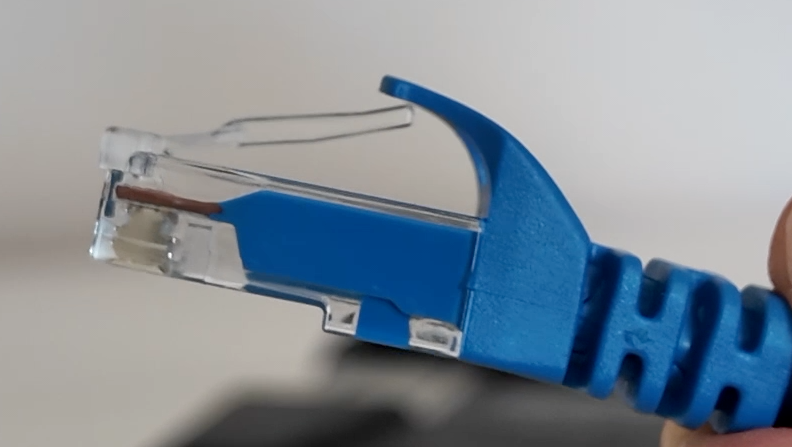
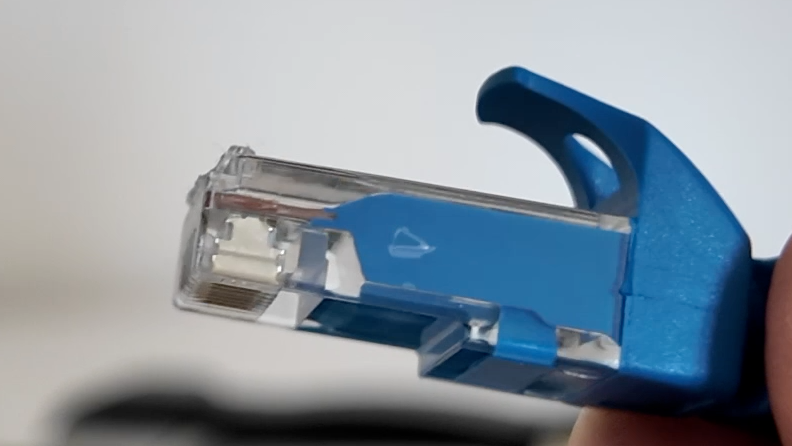
The "snip-the-tab" trick. For non-critical diagnostic work, snip the plastic locking clip off your network cables. If a technician trips over the lead, the cable pops out cleanly instead of tearing the internal surface-mount pads off the PCB.
Ditch heavy OEM cables. Original factory network cables are overly stiff and heavy, placing constant downward strain on the socket. Use lightweight, flexible 24 AWG Cat 6 cables (e.g. Cable Matters 5-Color Combo 10Gbps Snagless Cat 6).
Proper cable extraction. Always squeeze the locking tab fully before removing the cable and pull directly straight back. Wiggling or twisting the RJ45 jack sideways tears the internal socket housing.
Never carry by the cable. Lifting, swinging, or carrying the ICOM unit by its ethernet cable will instantly stress and damage the internal soldering.